Tavishi Arora
4 May 2026
Introducing Inbound Calling: Never Miss a High-Intent Customer Connection Again
Product


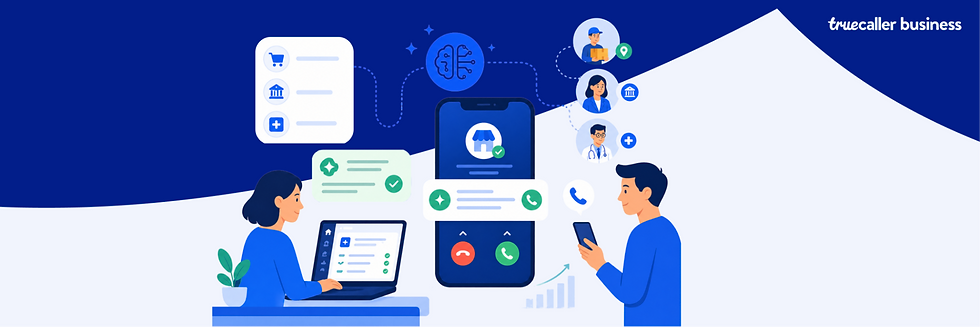
In the fast-paced world of business-to-consumer communication, every missed call is a missed opportunity. Introducing our latest enhancement to the Truecaller Customer Experience solution suite: Inbound Calling Number.
This feature is designed to bridge the gap between businesses and their customers by providing a clear, immediate path for engagement—even when a call is missed.
The Problem: One-Way Communication Gap
Many businesses use virtual numbers or specific series (such as the 140/160 series) for outbound communication. While effective for reaching out, these numbers are often outbound-only and cannot accept incoming calls. When a high-intent customer misses a call from one of these numbers, they are often left unable to call back, leading to frustration and potential drop-offs.
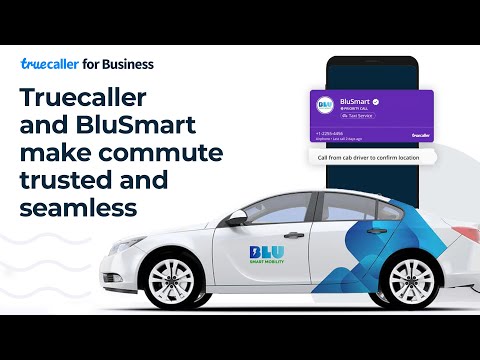
How do I enable the Inbound Calling Number? Watch Video
The Solution: Instant Callbacks from the ACS and Business Page
Our new feature allows businesses to configure an alternate, inbound callback number that appears directly on the After Call Screen (ACS) and the Business Page.

Now, if a customer misses your call, they don't have to search for a way to reach you. They can simply tap the callback button on their screen to connect with your business instantly.
Why This Is a Game-Changer
Time-Sensitive Interactions: Ideal for "last-mile" use cases where immediate action is critical, such as ride-hailing, delivery, or urgent BFSI queries.
Complementary to "Call Me Back": While our "Call Me Back" feature is perfect for scheduling future appointments, the Inbound Calling Number is built for immediate, high-intent interactions.
Highly Flexible: You can configure different numbers for different feature sets or reuse the same number across multiple processes, provided they are linked via relevant Business Pages.
Data-Driven Insights: Gain full visibility into customer behaviour with dedicated analytics, including total outgoing call requests, average call duration, impressions, and click-through rates on the callback button.
How to Get Started
To enable this feature, your chosen inbound callback number must be:
Already listed and verified in your Truecaller CX Solution account.
Configured via the Business Page section on the Truecaller for Business console.
Don't let another high-intent lead slip away. Give your customers the direct line they need to stay connected.
Learn more about enabling Inbound Calling on the After Call Screen here.
min
2
Reading Time :